


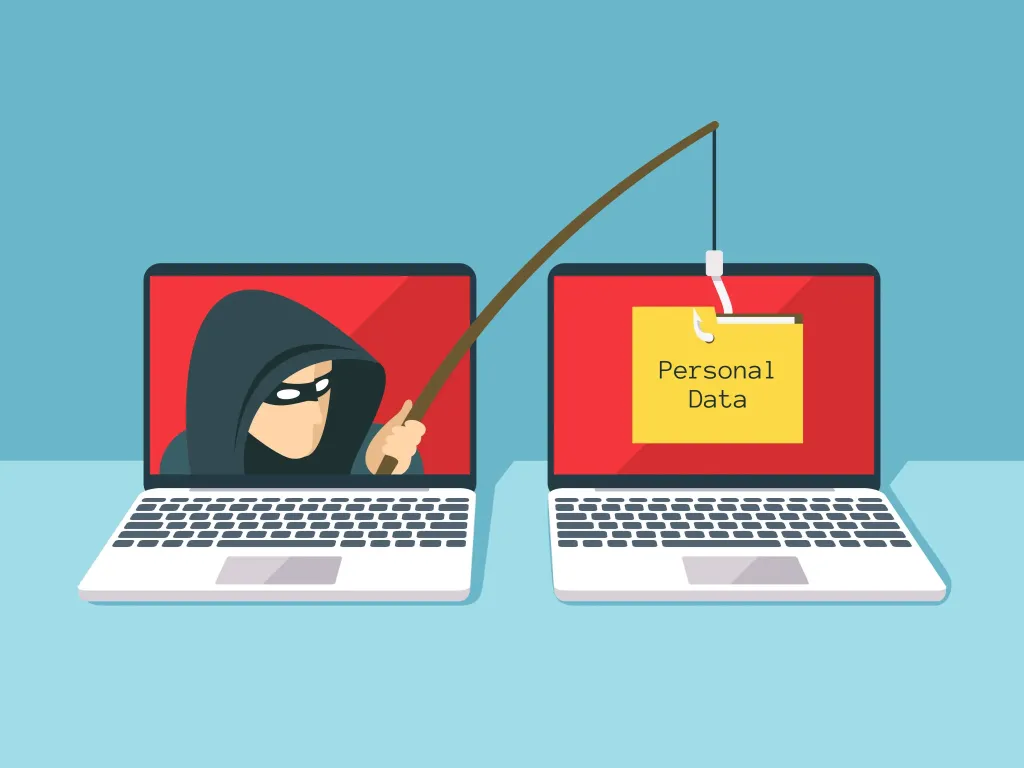
Hello, if you received this email, it is because you are on our client list (current or past). If you know us at all, you already know that we don’t just dedicate ourselves to providing support or programming your websites; we also try to look out for your security. Therefore, we wanted to warn you about a new identity theft attempt that is sweeping the nation this month.
The problem with this type of email is that many anti-spam filters do not detect it, as it is actually sent from a legitimate email and domain. This makes its detection significantly more difficult. If you use Google Workspace, it is almost certain that Gmail has blocked it, as this scam has been reported in its security centre.
Contenidos
What is happening?
These are fake notifications from the Tax Agency, specifically targeted at SMEs and the self-employed. The modus operandi is simple: attackers are sending a clone of the real email that the AEAT has begun sending to users. The email is a carbon copy, and it is possible that before receiving the scam email you received a real one, making it very difficult to tell them apart.
When you click on a link, it will send you to a fake Tax Agency website and steal your digital certificate, and with it everything they can, including your company’s banking and personal data. In fact, the website is almost a carbon copy of the original site, so it is easy to get confused and not know what is going on.
How to tell if it is a real email or not?
The first thing is to hover your mouse over the sender and check the actual email address (not the name) of the sender. In the case of the screenshot, the fake email is notificacion-0557@sede.es, but it could be any other. The usual Dehú email is usually something like this: noreply.dehu@correo.gob.es.
)
Fake domain impersonating DEHÚ
The second thing is to hover your mouse over the links in the body of the email. Even if you see that the link on the screen is written as “dehu.redsara”, it might be camouflaged. So, leave your mouse over the link and in the bottom left corner of your browser (usually at the very bottom on a PC), you will see the actual link. If the link does not take you to [https://dehu.redsara.es/](https://dehu.redsara.es/), it is fake. In the body of the email there is usually more than one link; make sure you check them all.
I’ll leave you a screenshot of the email being sent so you can identify it beforehand. We hope this info is useful to you.
)
Screenshot of the new phishing attempt via the AEAT.
What to do now?
Basically, in addition to following the instructions we have left in our post, the ideal thing is to communicate this to your team so they don’t fall into this trap. Next, your web hosting should block these email addresses so they don’t enter again, and meanwhile, report them to systems like Spamhaus or similar.
What is phishing?
Phishing is a social engineering technique used by cybercriminals to deceive people and obtain confidential information. They pose as a trusted entity, such as a bank, a company, or a social network, with the aim of stealing passwords, credit card numbers, or other personal data.
The most common form is through emails that look authentic but contain malicious links or infected attachments. They can also use SMS messages or instant messaging apps to send links to fake websites. In some cases, attackers make phone calls impersonating the identity of institutions to obtain sensitive information.