



I’m sure it’s happened to you, just like it has to me. I’m one of those who uses and uses the advanced image search on Google’s image search engine a lot. Essentially, what I always intend to do with it is be able to filter by image resolution since in my projects I usually work with 1080p, or in other words, 1920×1080.
Thanks to this very basic filter, I can find wallpapers and much more. But for some reason, the folks at Mountain View have removed it from their search engine. And that’s literally a shame. So, we can no longer search by resolution filter on Google Search.
Solutions to the advanced image search restriction
I was talking about it on social media yesterday, and it seems that many people have suffered from it. My first reaction to this is always: “oh, surely someone has already come up with a Chrome extension for this“. But that’s not the case, or at least I haven’t found anything like that in the repository… Although it’s true that I was recommended Google Image Sizer, this extension only serves to filter by file weight and not by resolution.
Google se ha cargado la búsqueda de imágenes por tamaño personalizado. ¿Sabéis algo de esto, o soy yo que estoy en la mierda y me estoy enterando hoy? 😂 pic.twitter.com/kyuwmJ9Yew
— Jose Martinez (@elotroseo) August 29, 2019
Using a footprint
However, David Esteve, who is a genius, reminded me of a footprint that is very useful and that until now I hadn’t used: imagesize. That’s it, with that we have everything done. Let’s see how it works? It’s easy, just write the following in the Google bar and that’s it.
Keyword imagesize:800×600
We use the keyword + the “imagesize:” footprint followed by the resolution we want.
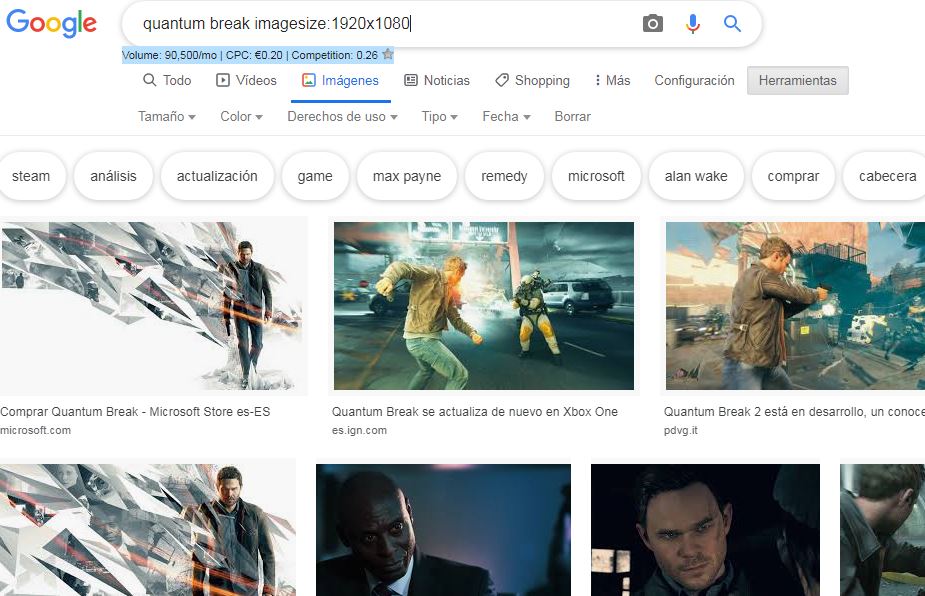
Customized search results with the imagesize footprint.
The good thing about this is that it’s more convenient on mobile devices where the image resolution filter was somewhat complicated to press. If, yes, you have to write a little more, but it serves us for now. All this while waiting for some extension that solves the problem.
Going to advanced search
If that doesn’t work for you or is inconvenient, you can go to the advanced image search page that the search engine has enabled. It’s easy to use but a bit cumbersome. Although it’s true that it offers a lot of options. You can access it from this link.
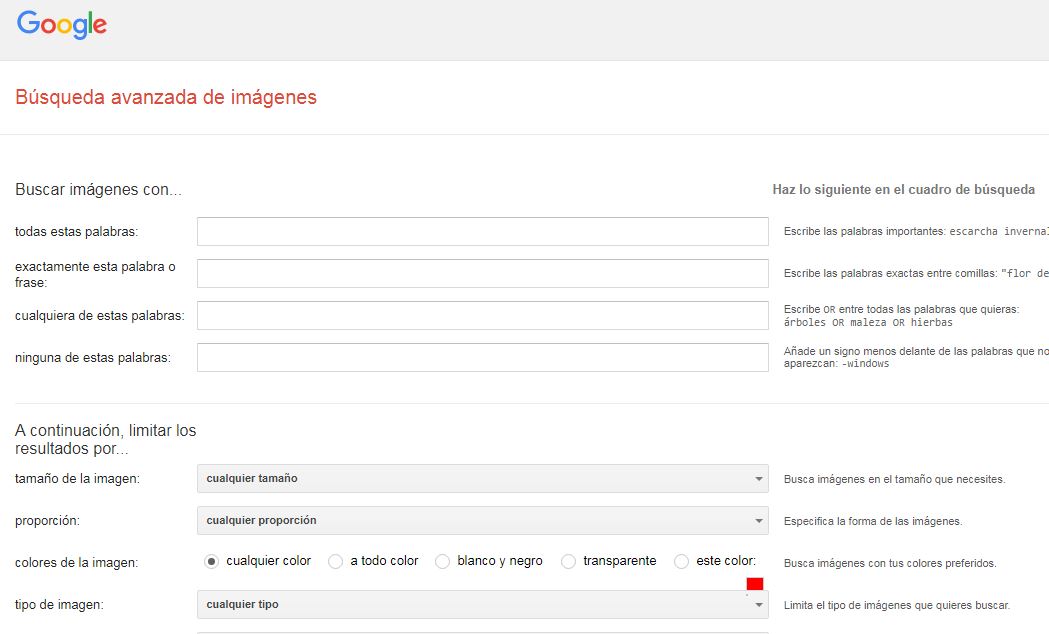
This is what the Google Images advanced search looks like.
As a final point, if you don’t like any of these methods to replace the advanced image search, you can always use Bing, which so far hasn’t messed this up.