


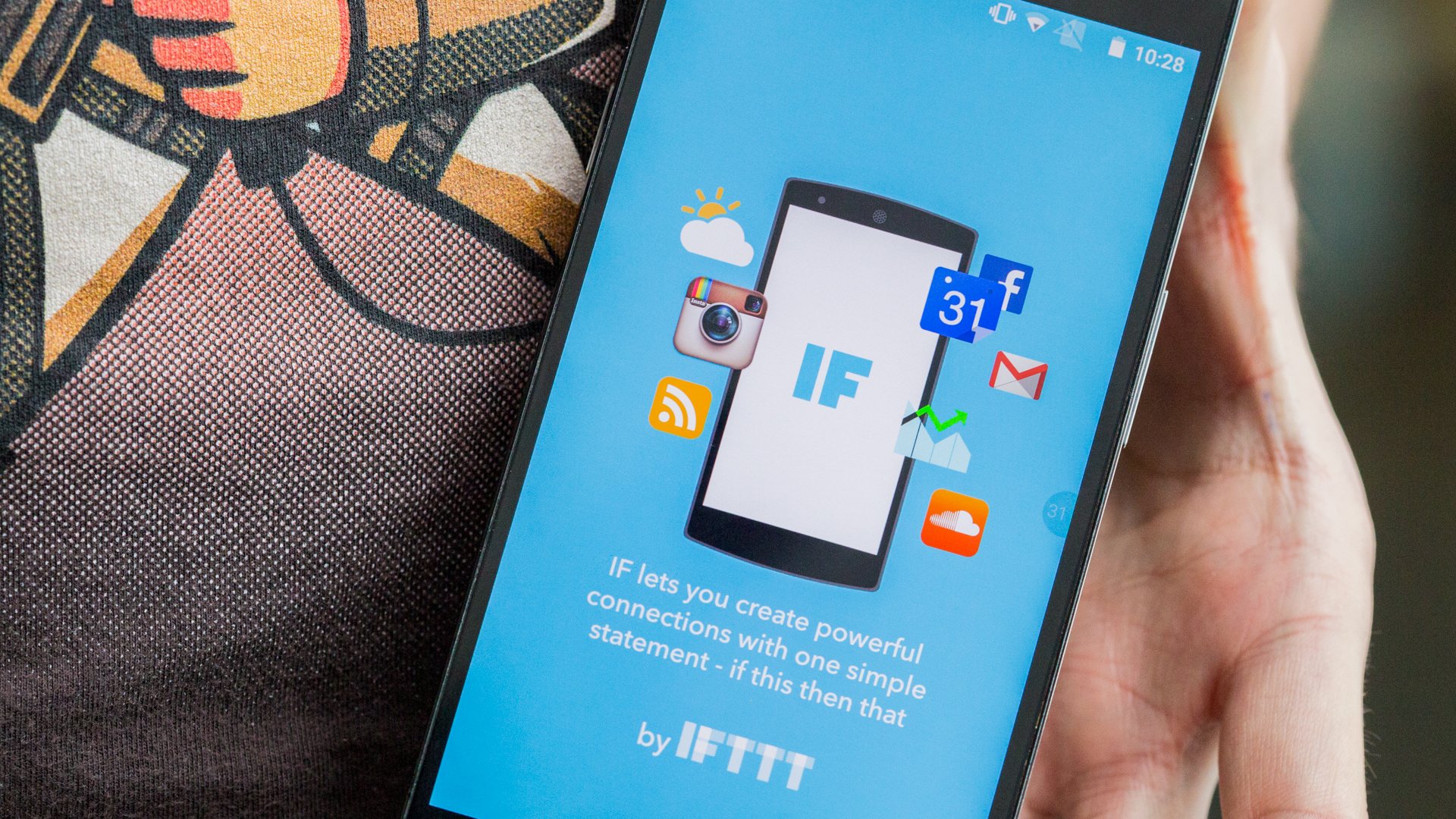
There is a misconception regarding task automation. I have always been a defender of this way of understanding part of the business. But for me, the essence of automation is not to work less or to neglect work, the idea behind it is to gain time, to invest it in other areas that you need to reinforce in the company.
Not all clients I have worked with have the same purchasing power to hire large-scale process automations. But surely they can gain a lot if some tasks reduce their attention time. Today I come to talk to you about IFTTT, a free tool for automating some tasks.
Contenidos
Gaining time and resources by automating with IFTTT
Before anything, let’s explain the concept of this tool. IFTTT is a web service that also has applications for iOS and Android, and is based on the principle of conditional programming. In fact, its own name is that: ‘If this, then that‘ or what is the same: “If I do X, do ‘this other thing”. Easy and simple. With that premise, the service proposes the use of Applets, which are nothing more than predefined actions that follow the conditionals I mentioned earlier.
Don’t be scared, the concept may seem very complicated, but it’s really so simple that almost anyone can use it. And with a bit of imagination, we can achieve great things. Thanks to IFTTT, you can, for example, make sure that every time you post a photo on your company Facebook page, it also appears on other social networks like Pinterest, Twitter, Instagram… and a long etcetera. This is something I’ve implemented on some websites to free them from additional plugins, you know, the faster and more optimized your website is, the more you like it to the user and consequently, to Google.
‘Triggers’ in IFTTT
The IFTTT service focuses on what they call ‘Triggers’, which are nothing more than guidelines that initiate the action in one or several services. The list of available services and triggers is immense, here are some of the triggers you can find:
- Twitter.
- Telegram.
- RSS Feed.
- Buffer.
- Facebook.
- Email.
- Mobile location.
- Office Calendar.
- Google Docs.
- OneDrive.
The list is huge, as I said, and you can already imagine many scenarios with just those few services I’ve listed in the article. For example: “If contact X sends me a spreadsheet to my email, send it to me via Telegram“, or “If contact X sends me a text document by email, save it in folder X of OneDrive“.
Recipes and ingredients in IFTTT
Okay, now you’re getting familiar with the way the service works and the multiple possibilities. You can create automations so that there is always content on your company’s social networks, for example. You can make IFTTT send you a digest email with the latest news in your sector every time you leave the office. You can do so many things that it would be impossible to list them.
But there’s something else that this powerful tool hides. If you can’t find something, you can create it yourself with what they call IFTTT recipes and ingredients. Roughly speaking, the recipe is the set and the ingredient are the options you can use. Perhaps this section is more complex to explain, but to make you understand, you can customize the actions and I’ll leave you a practical example a few lines below that shows that with a bit of idea, you can do great things.
“Spying” on your competition with IFTTT and without losing a single second
We’ll agree that keeping an eye on our competition is key if we want to prosper in our sector. I’m going to give a real case that I used last week. IFTTT has the RSS trigger, which allows you to perform multiple actions on an RSS Feed. So I thought that thanks to it, I could find out when the competition launches a new product. To do this, I used these two actions:
- If the X feed has a new item.
- Send it to a private chat on Telegram.
That easy, now I just have to go to the competition’s websites or services, find their product Feed (usually by placing /rss or /feed at the end of the URL) and that’s it. Every time they upload a new product, I’ll receive a message on Telegram with the product address. I can also make it more complicated and make it notify me when there are price changes or, for example, when they create promotional landing pages for their segmented customers for email marketing.
If you don’t want to complicate things, you have a pre-made Applet that I leave you in this link, but I’m a restless mind, I made a more personalized one so that instead of a simple alert, I receive on Telegram:
- Product name.
- Price.
- Extract or description.
- URL.
If you have doubts about how to use IFTTT or want me to help you with a recipe, leave it in the comments. It would be a good way to build a community through it.